Your world.
Your news.
On TV.
WiWi brings video news, TV bulletins, podcasts and curated channels from multiple sources into one simple experience for TV and mobile.
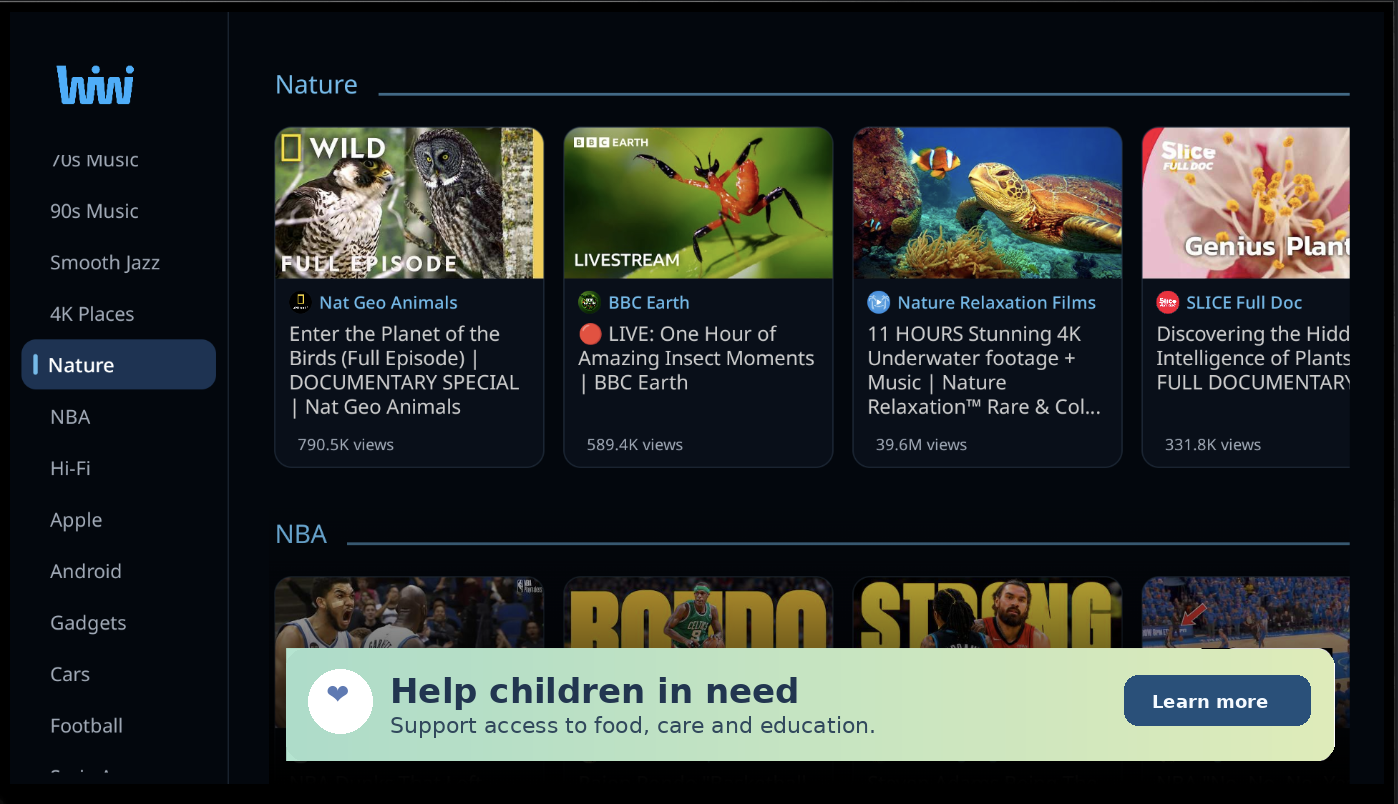
One place for the news you actually watch.
WiWi organizes video from multiple publishers and channels so you can move through stories naturally — without jumping between websites, apps and endless feeds.
How WiWi works
Set it up once, then watch the stories and channels that matter to you.
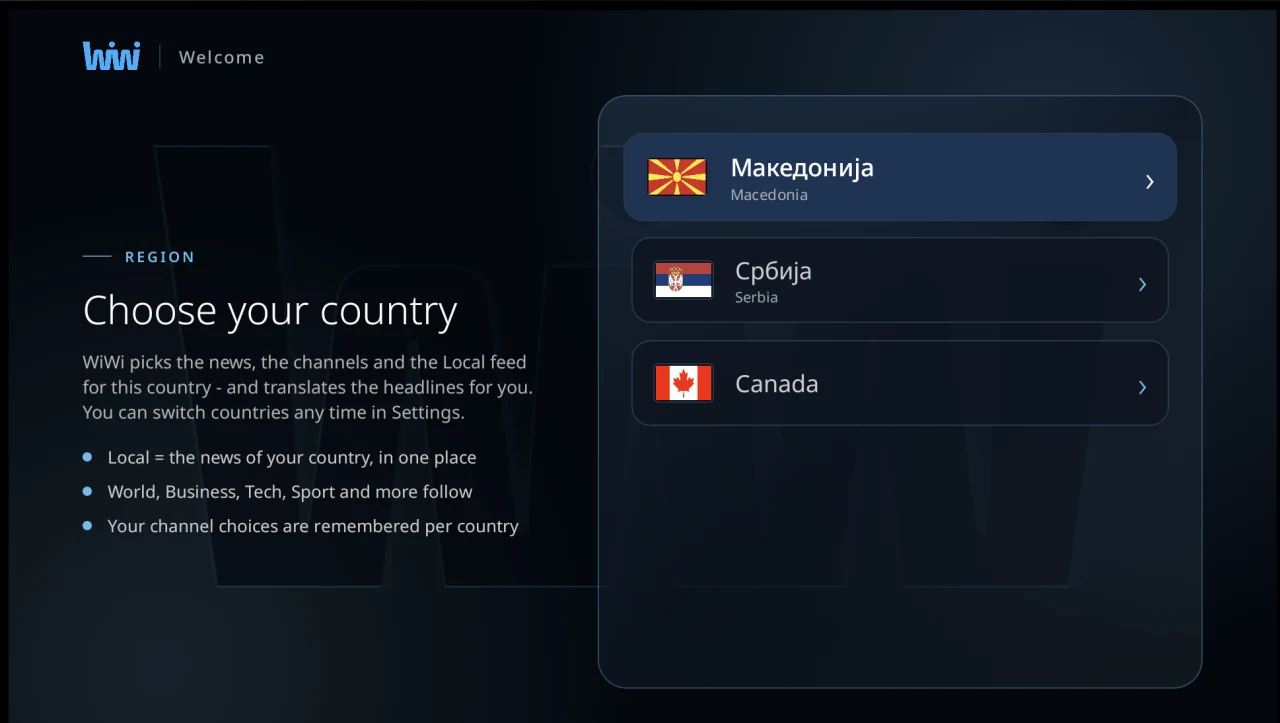
Choose your country
WiWi picks the news, the channels and the Local feed for that country — and translates the headlines for you. You can switch countries any time in Settings.
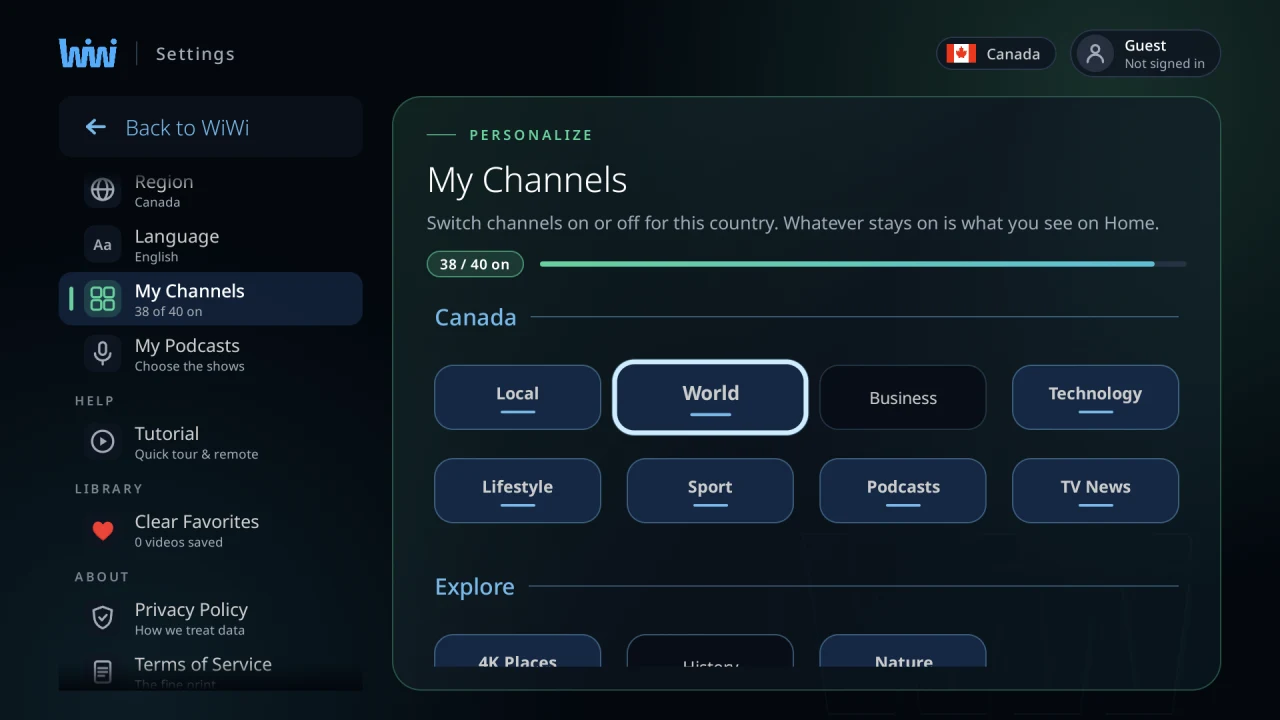
Choose your channels
Switch channels on or off for that country. Whatever stays on is what you see on Home, and your choices are remembered per country.
Sit back and watch
Move from story to story like television — without opening twenty different sites or channels.
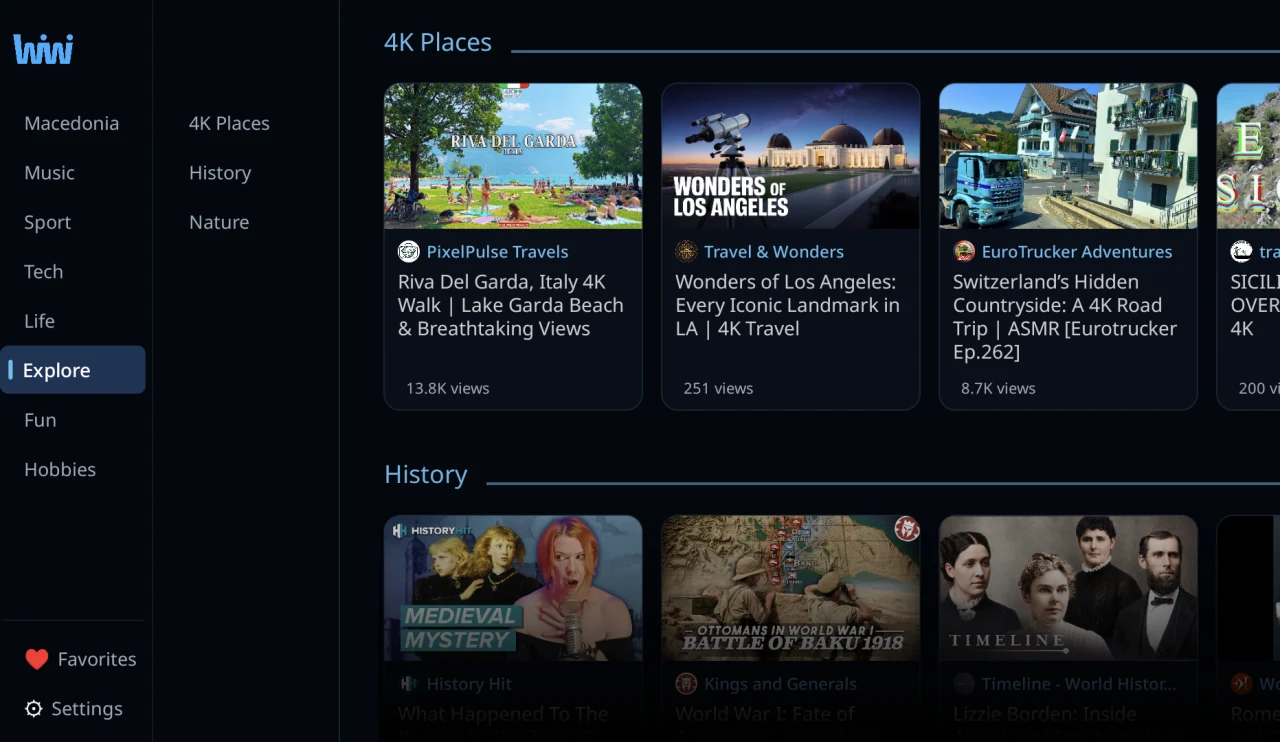
Built around watching, not scrolling.
WiWi keeps the experience focused, fast and familiar on a big screen or in your hand.
Video first
News designed around watching instead of reading through endless feeds.
Many publishers, one place
Video from a wide range of channels and broadcasters, gathered into categories instead of scattered across platforms.
Your channels
Pick the categories and channels that match your interests.
Headlines in your language
WiWi translates headlines for the country you picked, so the feed reads naturally.
TV + mobile
The same WiWi idea across the screens you use every day.
Fresh every day
Content is continuously refreshed as new videos and stories are published.
Local where it matters.
WiWi starts with country-specific content and can grow market by market.
Macedonia
AvailableSerbia
AvailableCanada
AvailableBig screen. Small screen. Same WiWi.
Watch at home on Android TV or keep up with your channels on mobile. More platforms can be added as WiWi grows.
Designed as one product
More than news.
Daily TV news, podcasts, interviews and selected video channels live beside the regular news categories — so one app covers more of what you actually watch.
Frequently asked questions
Is WiWi free?
Yes. WiWi is free and will remain free forever.
Do I need an account?
No. WiWi works fully as a guest. Signing in with Google is optional and free — it is there if you want it, not required to watch.
Which countries are supported?
The initial rollout includes Macedonia, Serbia and Canada, with more countries planned.
Which devices are supported?
Android TV and Android mobile are the first supported platforms. Additional platforms may follow.
Does WiWi produce the news?
WiWi primarily helps users discover and watch video content published by third-party news organizations, broadcasters, creators and other content owners.
Where does the content come from?
From video that publishers and creators have made publicly available on third-party platforms — currently YouTube. WiWi does not host video; playback runs on the source platform, and the original channel is credited on every item.
Can publishers request changes or removal?
Yes. Publishers and rights holders can contact us regarding attribution, feeds, partnerships, corrections or content removal through the Publishers page.
Make video news feel like TV again.
Start with WiWi on your preferred screen.